前言
都说 Node.js 的框架中有一支劲旅,今天让我来一睹真容。
setup
$ npm i -g @nestjs/cli
$ nest new project-name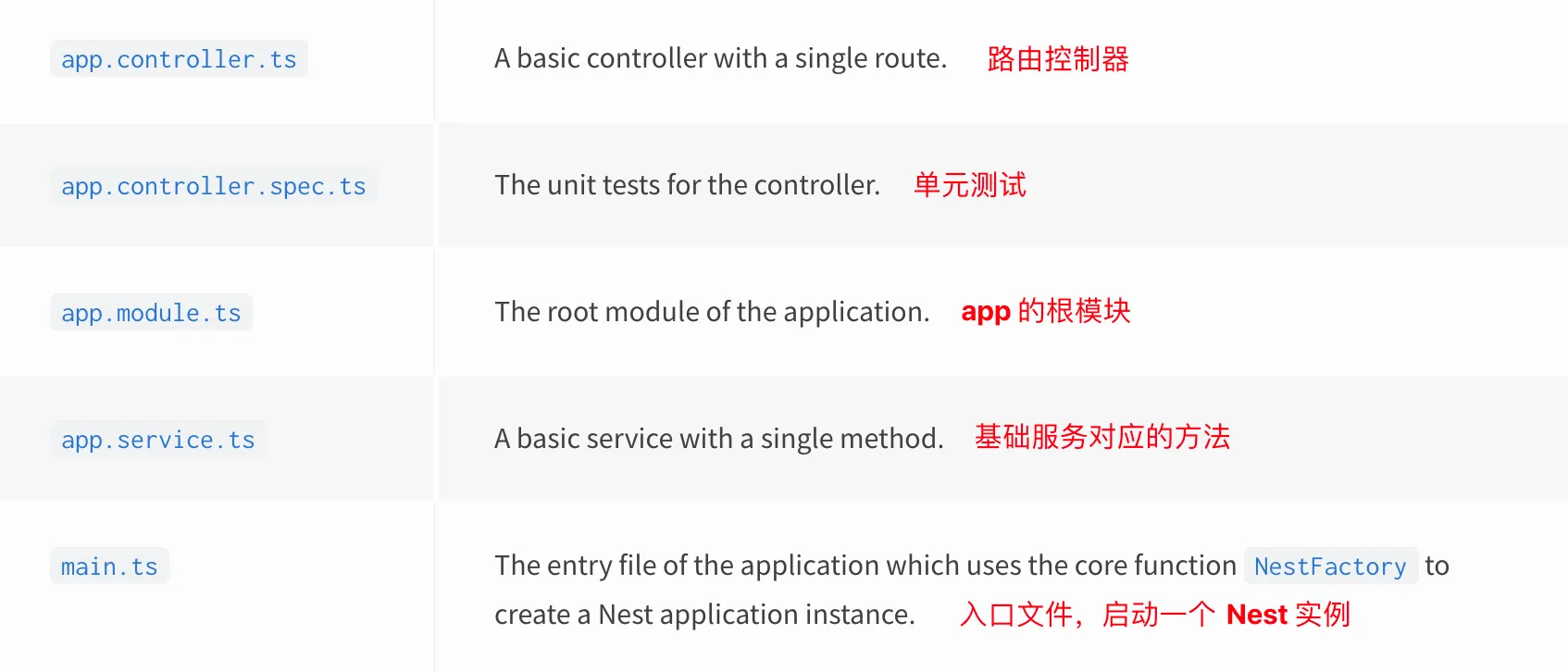
- *.controller.ts:处理 http 请求以及调用 service 层方法
- *.service.ts:封装通用的业务逻辑、与数据层交互(数据库 CRUD 操作)、其他额外的第三方请求
- app.module.ts:根模块,注入控制器和服务
nest cli 所有命令
nest --help资源创建
一次性创建资源文件:
nest g resource <resource_name>不生成单元测试文件,在 nest-cli.json 中追加:
"generateOptions": {
  "spec": false
}
controller 和 service 的对应关系
- post => create body
- get => findAll
- get :id => findOne id
- patch :id => update id body
- delete :id => remove id
@Post()
create(@Body() createCatDto: CreateCatDto) {
  return this.catsService.create(createCatDto);
}

@Get()
findAll() {
  return this.catsService.findAll();
}

@Get(':id')
findOne(@Param('id') id: string) {
  return this.catsService.findOne(+id);
}

@Patch(':id')
update(@Param('id') id: string, @Body() updateCatDto: UpdateCatDto) {
  return this.catsService.update(+id, updateCatDto);
}

@Delete(':id')
remove(@Param('id') id: string) {
  return this.catsService.remove(+id);
}
装饰器
HTTP 装饰器
- @Get() => /cats
- @Get(‘:id’) => /cats/:id
- @Post()
- @Put()
- @Delete()
- @Patch()
- @Options()
- @Head()
- @All()
- @HttpCode(204)
- @Header(‘Cache-Control’, ‘none’)
重定向
- @Redirect(’https://nestjs.com’, 301)
前端参数装饰器
- @Req
- @Res
- @Param(key?: string)
- @Body(key?: string)
- @Query(key?: string)
- @Headers(name?: string)
DTO (Data Transfer Object) schema
诸如 create-cat.dto.ts, update-cat.dto.ts 之类的文件用来描述某个资源的数据字段规则。类似于 excel 表格每一列字段的类型。
// create-cat.dto.ts
export class CreateCatDto {
	name: string;
	age: number;
	breed: string;
}
RESTful API
生成资源
nest g resource catscats files tree
src/cats
├── cats.controller.ts
├── cats.module.ts
├── cats.service.ts
├── dto
│   ├── create-cat.dto.ts
│   └── update-cat.dto.ts
└── entities
    └── cat.entity.ts
cats.controller.ts
// 设置路由前缀 cats
@Controller("cats")
export class CatsController {
	constructor(private readonly catsService: CatsService) {}

	// POST /cats/ => 提交新的 cat 数据
	@Post()
	create(@Body() createCatDto: CreateCatDto) {
		return this.catsService.create(createCatDto);
	}

	@Get()
	findAll(@Query() query) {
		if (query.search) {
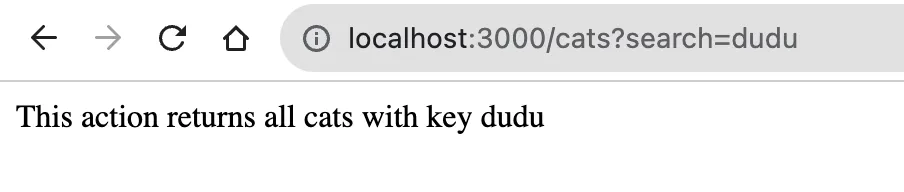
			// GET /cats?search=dudu => 模糊查找 dudu 相关的 cat
			return this.catsService.searchBy(query.search);
		}
		if (query) {
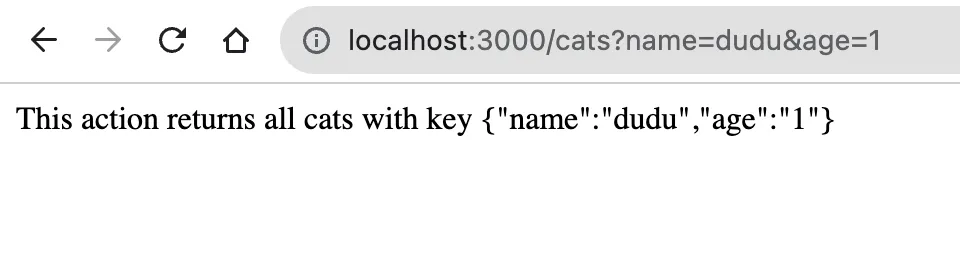
			// GET /cats?name=dudu&age=1 => 精确查找名叫 dudu,年龄 1 岁的 cat
			return this.catsService.queryBy(query);
		}
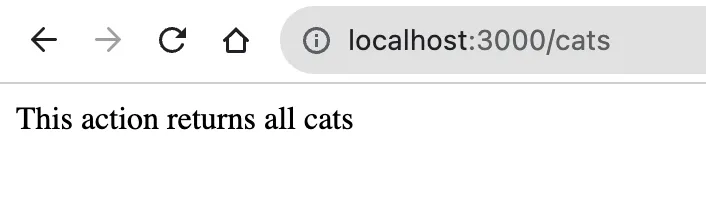
		// GET /cats/ => 获取所有 cat
		return this.catsService.findAll();
	}

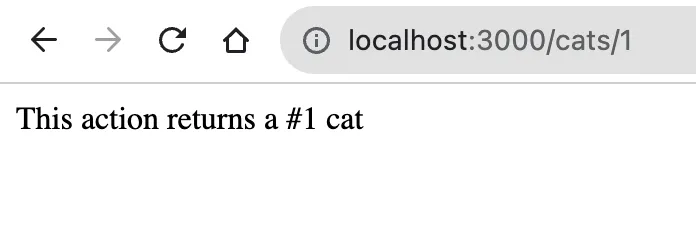
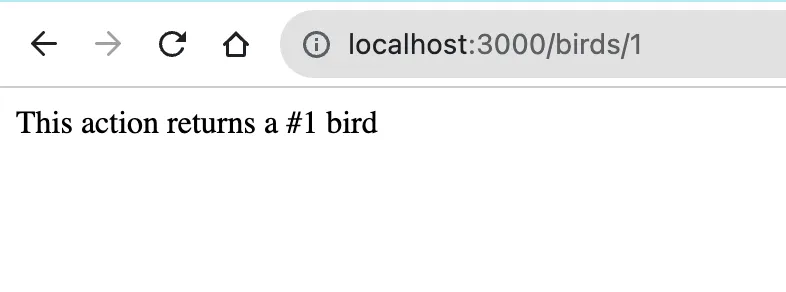
	// GET /cats/:id => 获取指定 id 的 cat
	@Get(":id")
	findOne(@Param("id") id: string) {
		return this.catsService.findOne(+id);
	}

	// GET /cats/names => 获取所有 cat 的 names
	@Get("names")
	findNames() {
		return this.catsService.findAll("names");
	}

	// PATCH /cats/:id => 修改指定 id 的 cat
	@Patch(":id")
	update(@Param("id") id: string, @Body() updateCatDto: UpdateCatDto) {
		return this.catsService.update(+id, updateCatDto);
	}

	// DELETE /cats/:id => 删除指定 id 的 cat
	@Delete(":id")
	remove(@Param("id") id: string) {
		return this.catsService.remove(+id);
	}
}
GET /cats/
 GET /cats/:id
 GET /cats?search=dudu
 GET /cats?name=dudu&age=1
含有版本的 API
全添加
main.ts
import { NestFactory } from "@nestjs/core";
import { AppModule } from "./app.module";
import { VersioningType } from "@nestjs/common";

async function bootstrap() {
	const app = await NestFactory.create(AppModule);
	// 允许添加版本
	app.enableVersioning({
		type: VersioningType.URI,
	});
	await app.listen(3000);
}
bootstrap();
dogs.controller.ts
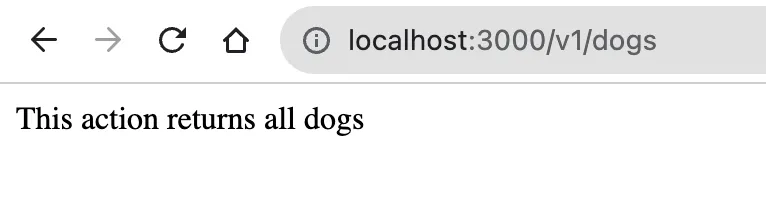
@Controller({
	path: "dogs",
	version: "1",
})
export class DogsController {
	constructor(private readonly dogsService: DogsService) {}
}
局部添加
@Controller("birds")
export class BirdsController {
	constructor(private readonly birdsService: BirdsService) {}

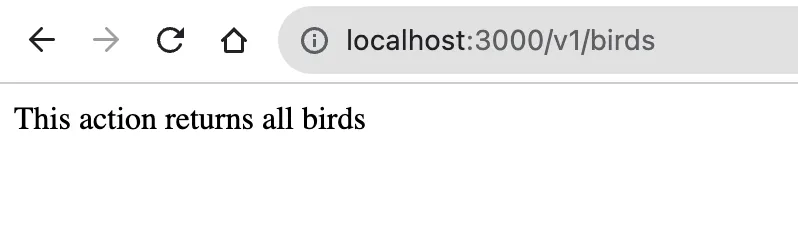
	@Get()
	@Version("1") // 只为这个接口添加 v1,/v1/birds
	findAll() {
		return this.birdsService.findAll();
	}

	@Get(":id")
	findOne(@Param("id") id: string) {
		return this.birdsService.findOne(+id);
	}
}
status code
- 200 OK
- 304 Not Modified 协商缓存
- 400 Bad Request 参数错误
- 401 Unauthorized 未授权(token 问题)
- 403 Forbidden
- 404 Not Found
- 500 Internal Server Error 服务器错误
- 502 Bad Gateway 网关错误